Are Ink-Jet Printers the Best Choice for Your Printing Needs?
In recent years, ink-jet printers have seen a resurgence in both home and office settings. Their versatility and accessibility make them appealing to a diverse audience, from students to professionals. So, why do these printers continue to hold relevance in our tech-driven age? Let's dive into their features, benefits, and use cases to uncover why they're still considered a top choice.
Understanding Ink-Jet Printer Features
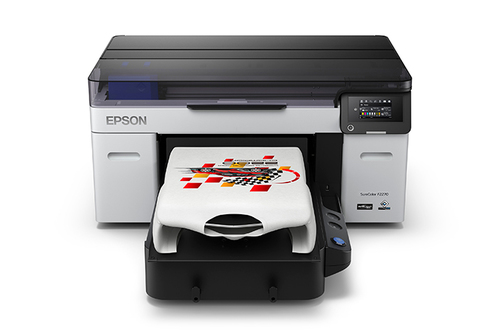
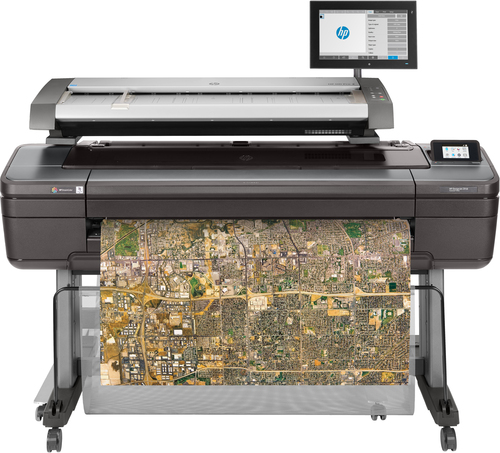
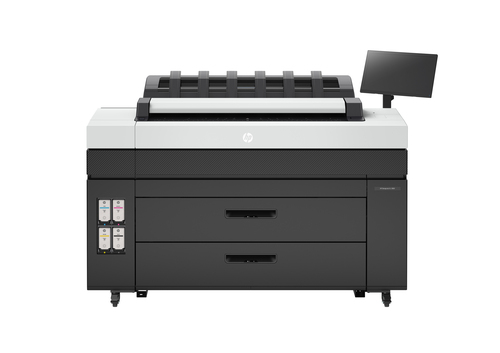
Ink-jet printers often stand out for their innovative features like drop-on-demand technology. This allows them to produce vibrant and highly detailed print quality by precisely placing tiny droplets of ink on paper. For those involved in graphic design or photography, these printers typically offer wide format printing capabilities—ideal for banners, posters, or artistic prints.
Now, if you're in fields like architecture or engineering, you might already know about Mycadprinting, which integrates seamlessly with CAD printing services. Imagine a scenario where you need to print complex architectural designs; ink-jet printers are often the go-to choice for precision and detail. In my experience, having access to such advanced technology can make all the difference in project outcomes. Connecting to other electronics, they typically offer easy connectivity options, which can include wireless printing, making them a hit in both home offices and small businesses. For more on why these features are crucial, check out our detailed discussion on ink-jet features, where we explore various technical aspects. Intriguingly, the ability to execute such high-quality prints continually keeps them relevant, ensuring they're much more than just relics in a digital world. It's fascinating how rapidly they've evolved to meet modern demands, offering not just good, but great value for money. For further exploration of these capabilities, you can head over to our printer features category.The Benefits of Opting for Ink-Jet Printers
One of the standout benefits of ink-jet printers is their cost efficiency, especially when you consider the price of printers against other models like laser printers. These printers are particularly affordable for those on a tight budget, without sacrificing print quality. Moreover, the ease of use is often cited as a reason for their popularity, as setup and navigation generally don't require a tech genius.
In my view, the market is subtly shifting towards eco-friendly options—a trend that ink-jet printers generally align with. They're usually equipped with recyclable cartridges and have energy-saving modes, which help to lessen their environmental impact. This shift towards sustainability can be pivotal for businesses mindful of their carbon footprints. Plus, the flexibility to handle a variety of paper types without the need for extensive adjustments is often a lifesaver for same-day printing needs. As print technology evolves, ink-jet printers keep pace by adapting to varying user needs. For instance, quick print jobs like flyers or personalized greeting cards can be efficiently handled without breaking the bank on resources. Curious about how ink-jet printers stack up? Our benefit-focused blog post offers a deep dive into these merits. Ultimately, choosing an ink-jet printer could mean enjoying both affordability and environmental responsibility.Various Applications and Use Cases
Ink-jet printers truly prove their worth across a multitude of practical applications. From printing vivid photos to generating top-notch blueprints, these devices cater to diverse demands. How about a photographer capturing life's moments or an architect bringing a vision to life? These printers can juggle both tasks with finesse—offering users both versatility and precision.
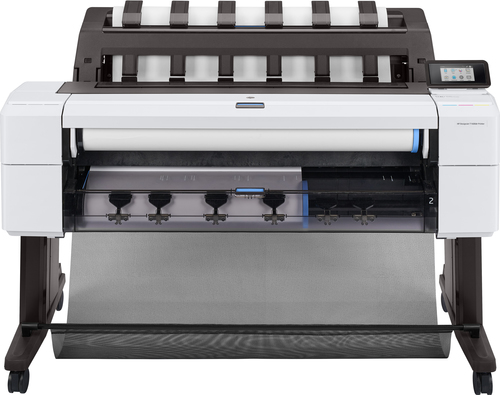
Take, for example, wide format printers like the Epson SureColor and Canon imagePROGRAF, which shine in creating large-scale designs with impeccable detail. They're frequently employed in sectors like architecture and engineering, where precision can't be compromised. The satisfaction of seeing ideas materialize in high quality is unmatched, especially when your equipment doesn't limit creativity. Navigating the printer market to find one that's a good fit for these needs is crucial. For instance, firms involved in detailed graphic creations often lean towards ink-jet printers due to their capability to handle different media types with accuracy. To delve deeper into these applications, you might consider exploring our use cases and applications category. Whether you're rolling out sharp presentations or handling CAD drawings, ink-jet printers usually offer the reliability you require.Navigating the Market: Making the Right Choice
Choosing the right ink-jet printer involves weighing your budget against technical needs. But fear not—there's often a model to suit every pocket. Start by identifying what features you can't do without, like wireless capability or print speed. While premium models flaunt all the bells and whistles, not everyone requires top-shelf options. Balancing necessities with desirables often leads to smarter purchasing decisions.
In my experience, repair and supply costs should always be in the equation. You might save on initial expenses but find yourself spending more on maintenance. The market is full of reliable vendors offering competitive prices; it’s worth exploring category-specific lists or vendor reviews. I've found that understanding how ink-jet printers stack up against each other can alleviate decision-making stress. Sometimes, compromising on excess frills to get exactly what meets your requirements is the best route. Remember, while some complex models may entice you, simplicity often wins, especially if you're less tech-savvy. Meanwhile, factoring in long-term needs over short-term appeal usually leads to more satisfying results. Keep an eye on upcoming models too; the tech landscape is perpetually evolving, often unveiling new innovations that could be perfect for you.Canon MAXIFY MB5120 vs. Epson SureColor T3170M
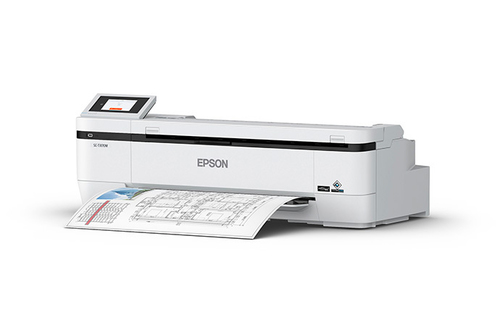
Let's dissect the features of the Canon MAXIFY MB5120 and the Epson SureColor T3170M. The Canon MAXIFY MB5120 promises high-speed performance, tailored for busy small office environments. It's robust, boasting remarkable DPI capabilities for crisp and clear text documents. Meanwhile, the Epson SureColor T3170M focuses more on the artistic and creative professional. With its large format prowess, it's a beloved choice for CAD applications and intricate designs.
Network connectivity is another front where these two models diverge. Canon's model provides seamless integration into small office networks, while Epson's option often shines in creative studios seeking high precision. Curious about Canon's offering—its high-speed efficiency might be just what your workplace needs—check out Canon's offering. Alternatively, explore Epson's sleek solution for creative tasks. The compatibility and efficiency of these models could make them exactly what you need in your specific work environment.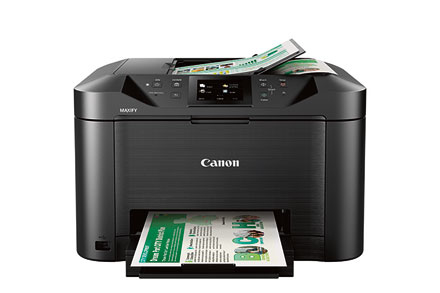
Setting Up Your Ink-Jet Printer Like a Pro
Setting up your ink-jet printer doesn't have to be a chore. Start by carefully unpacking and placing it in a dust-free environment—a clean workspace ensures longevity. Attach the power cable and turn on the device; this step usually allows self-calibration. And if Wi-Fi is part of your setup, navigating your printer's menu to select the network is the next step. But don't forget to install the necessary drivers on your computer—only then will you unlock full functionalities.
However, common pitfalls can make setup frustrating. In my experience, ensuring the ink cartridges are properly seated helps avoid print quality issues. Keep a close eye on connection stability; weak signals often disrupt wireless tasks. For consistent print quality, run the built-in maintenance cycles occasionally. Regular cleaning and updates will extend your printer's lifespan, and trust me, it makes a difference. If you're intrigued by similar printer maintenance topics, check our guide on wide format printer upkeep. Keep in mind, a little attention to setup details now often saves you from future headaches.Conclusion
In summary, we've dived into the world of ink-jet printers by examining their key features, notable benefits, and varied applications. Cost efficiency, high-quality output, and versatility make them an appealing choice for many. If you're considering a printer purchase, weighing these benefits against your personal or professional needs is crucial.
Market trends suggest a growing shift toward sustainable tech solutions, and ink-jets often align with this direction. They offer the convenience of seamless integrations and adaptable features for individuals and businesses alike. So, what's your next step? Should you seek one out for yourself? Reflect on whether aligning with these trends could potentially enhance your work or home environment. As you ponder this, consider exploring our comprehensive printer category options to guide your decision. Ready to embrace the ink-jet revolution? Do they resonate with your goals and aspirations?Frequently Asked Questions
Common questions about Ink-jet